Plan Generation in Zealo: What It Does, When It Is Available
7 min read · May 2025 · by Manikanta Sirumalla
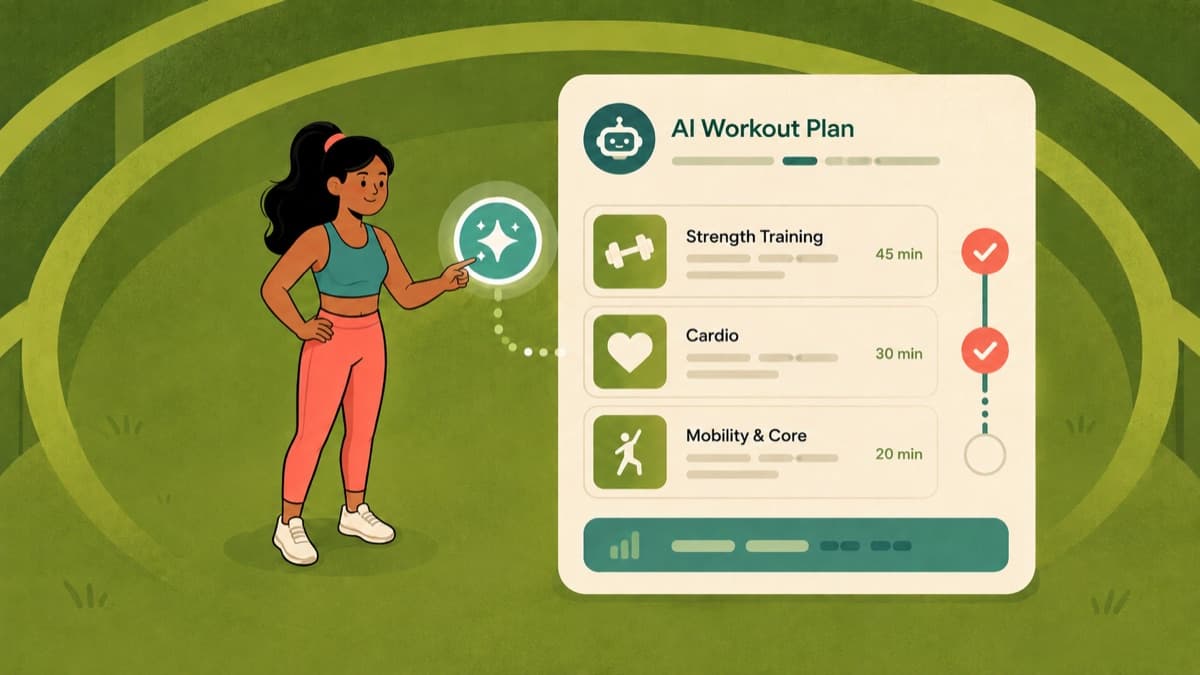
Writing a good training program takes experience: balancing volume across muscle groups, sequencing exercises, building in progression, and fitting all of it to your equipment and schedule. Plan generation exists to give you a structured starting point instead of a blank screen.
This page is held out of search while plan generation remains conditional. It is written for people who already have the feature in front of them.
Availability First
Plan generation is conditional, not guaranteed. Look for a Plan tab or a Generate Plan action in the Workouts area. If your build does not show it, the feature is not available to you, and nothing on this page will help until it is. That is a build and configuration question, not something you can enable from settings.
The generated content depends on a configured provider. Where a language model is involved in drafting exercise selection, it depends on a service configuration that may not be present in every build. We are not going to describe an always-available AI coaching service, because that is not what the current App Store build guarantees.
What is not part of this feature: it is not a coach, it does not monitor you between sessions, it does not adapt your plan to a menstrual cycle phase, and it does not provide nutrition coaching. If you have read otherwise, that description was ahead of the product.
The Structure Is Deterministic
This is the part worth understanding, because it is also the part that does not depend on a model being available.
The skeleton of a generated plan comes from rules, not improvisation. Training frequency determines the split: a higher-frequency week supports a push, pull, legs structure, four days maps to upper and lower, and lower frequencies favour full-body sessions. Rest days are placed to separate sessions that hit the same tissue. Rep ranges and rest periods follow from your stated goal. Only within that structure does exercise selection get filled in.
That ordering matters for two reasons. It means the shape of the plan is predictable and reviewable, and it means a plan is not going to hand you a six-day bodybuilding split because you asked for it while training three days a week.
Before You Generate
The generator reads your profile. Incomplete inputs produce generic output.
- Body weight, used for load and relative strength context
- Experience level, which changes exercise selection and volume
- Goal: fat loss, muscle gain, strength, or maintenance
- Available days and session length, the two constraints most people get wrong by being optimistic
Be honest about the schedule. A four-day plan you complete beats a six-day plan you abandon in week two.
Setting It Up
- Open the Workouts area
- Find the plan generation entry point, if your build has one
- Set your goal, which determines rep ranges, rest periods, and volume distribution
- Choose your split, or let the frequency-based default apply
- Select your equipment, so the plan only contains exercises you can actually perform
- Set your training days and session duration
- Generate, then review before saving
Review the Output Properly
Treat any generated plan as a draft. Three checks catch most problems:
Do you recognise every exercise? If not, open it and read the detail, or swap it for a movement you can execute well. An exercise you perform badly is worse than a simpler one you perform correctly.
Does the weekly volume look sane? Count working sets per muscle group per week. Roughly 10 to 20 sets per muscle group per week is the commonly cited range for hypertrophy; strength work typically runs lower. The training volume guide covers how to think about it.
Is the session length realistic? Walk through it mentally. If it runs long, cut an accessory movement rather than rushing the main work.
Editing before you save is expected: swap exercises, adjust sets and reps, remove what does not fit, and reorder the session. Once saved, the plan behaves like any other template and is logged the same way, which the workout logging guide covers.
How Progression Is Handled
Progression rules follow the goal you selected: hypertrophy-oriented plans typically progress by adding reps within a range before adding load, strength-oriented plans progress load against your recorded bests, and higher-density work progresses by tightening rest or adding volume.
None of that is magic, and none of it substitutes for logging. Progression only means anything if you record what you actually lifted. The progressive overload guide covers the principle underneath.
When to Generate a New Plan
- You have completed the block the plan was written for
- Your goal has changed
- Your equipment access has changed
- Your schedule has shifted and the current days no longer work
- You have genuinely stalled, and a change of stimulus is warranted rather than a change of effort